Practical guide · Travel and expat life
Poland: seventeen iPhone and Android apps to know for travel or settling in
Find your tram, book a train, understand a menu or collect a parcel: a practical selection for French-speaking visitors and residents, with official links, costs and service limitations.
1. Google Maps: find your hotel and plan your journeys
When arriving in a Polish city, a map with your accommodation address already saved can prevent confusion. Google Maps helps you locate a neighbourhood, stop or museum entrance and plan your journeys. Download the area of your stay while you have Wi-Fi: you will retain a map you can consult if reception becomes poor. Remember, however, that a downloaded map does not replace every connected feature. Opening hours shown for a shop or attraction also deserve checking on its official website, especially on a public holiday.
- Languages
- French and Polish, among other languages.
- Cost
- Standard mapping features require no subscription; allow for mobile data.
- Check before use
- Download useful areas before departure. Offline mode does not provide walking, cycling or public transport directions.
2. HERE WeGo: download a map of Poland
HERE WeGo is another option for planning journeys, particularly if you want a map available without reception. The app lets you download a region or country: useful before a multi-stop stay in Poland. Save your destinations and try offline mode before leaving. A downloaded map does not provide real-time road disruption information; check a venue’s official source for opening hours and access conditions too.
- Languages
- Check the languages offered on your device; do not assume local content is translated into French.
- Cost
- Free app; downloading maps over Wi-Fi is recommended.
- Check before use
- Allow storage space and download maps before departure. Live traffic requires a connection.
3. Google Translate: understand everyday words
A menu, a notice in your building or a short question at a ticket counter: Google Translate helps when you lack Polish. Text input, image translation and voice features meet different needs; camera or microphone permission may be required. Before travelling, look for French and Polish packs and download those offered on your device. Not everything works offline. Machine translation gives an initial understanding but can miss nuances: avoid making commitments on administrative or contractual documents based solely on its translation.
- Languages
- French and Polish; features vary by language and device.
- Cost
- Free app; some features require a connection.
- Check before use
- Prepare downloadable languages. Have important passages in contracts or official documents confirmed by a competent person.
4. Jakdojade: choose your route and urban ticket
Jakdojade is particularly useful for understanding a journey with connections between buses, trams, metro or urban trains. Enter a starting point and destination, then examine the suggested routes. On partner networks the app also sells tickets. Before paying, choose a ticket matching your journey’s duration and zones; finding a route does not guarantee that all its tickets are sold in the app. Follow the network’s validation procedure without waiting for an inspection. For a short stay, start with the basic features before deciding whether a Premium option is useful.
- Languages
- English and Polish listed for iPhone; French is not listed.
- Cost
- Free download; tickets cost extra and Premium options are optional.
- Check before use
- Check the city, zone and activation procedure. Ticket sales and vehicle tracking are not available everywhere.
5. KOLEO: plan your train journeys
For travelling to another city or planning an excursion, KOLEO combines timetable searches with ticket purchases from its partners. A ticket bought in the app can be shown on your phone: you do not always need to find a printer. Review the journey before payment, especially connections, exact stations and any reservation. Do not assume that a timetable result means every ticket for that journey is available to buy. Apply a discount only if you have the accepted proof, and keep your phone charged to show your ticket during the journey.
- Languages
- English and Polish, among others, listed for iPhone.
- Cost
- Free app; train tickets are paid.
- Check before use
- Check the operator, train, selected discounts and exchange or refund conditions.
6. PKP Intercity: buy long-distance tickets directly
The PKP Intercity operator’s app is useful for booking directly on its EIP, EIC, IC and TLK trains. It notably offers seat selection on a seating plan and certain supplements, for example for a bicycle or dog, subject to journey conditions. Purchased tickets are also accessible offline: open them and check they are there before departure. The difference from KOLEO is straightforward: this entry concerns the PKP Intercity operator, while KOLEO helps plan travel with several companies. Compare the journey actually sold and the exchange or refund conditions before paying.
- Languages
- The iPhone listing consulted states English; the operator also presents content in Polish. French is not listed.
- Cost
- Free app; tickets and supplements are paid.
- Check before use
- An account is required to buy; check the train, class, passengers and proof of discount eligibility.
7. Waze: follow road traffic conditions
For driving between cities or to your accommodation, Waze combines guidance with traffic information and user reports. Its usefulness therefore depends on your connection and information available along the route. It complements a downloaded map without replacing road signs or guaranteeing a traffic-free journey. Set your destination before driving and check the arrival point: an address in a historic centre may lie in a restricted vehicle-access area.
- Languages
- Check the languages offered on your device; do not assume local content is translated into French.
- Cost
- Free app; live information requires mobile data.
- Check before use
- Set up your route while stationary and follow road signs on site.

8. Bolt: request a ride with a driver
Bolt can be useful for reaching a hotel with luggage or returning from an outing when public transport no longer suits. Enter a destination, then examine the categories and prices offered. Service depends on the city and available vehicles; offers are not identical across Poland. Confirm a precise address, especially near a station or airport, and check the vehicle and number plate before boarding. Unlike Traficar, here you request a ride with a driver.
- Languages
- Check the languages offered on your device; do not assume local content is translated into French.
- Cost
- Paid rides; prices and availability are shown in the app.
- Check before use
- Check the city, category, pickup point and amount before confirming.
9. Traficar: rent a shared car
Traficar lets you drive a shared vehicle in supported areas. The app helps find a car and manage its rental: you are the driver. Registration involves checks, notably your driving licence and identity; it is more than adding a payment card. If arriving from France, confirm acceptance of your documents and the procedure before relying on immediate activation. At departure, inspect the vehicle and reporting instructions; on return, check the permitted zone, parking and effective closure of the rental.
- Languages
- Check the languages offered on your device; do not assume local content is translated into French.
- Cost
- Paid rental according to the selected plan and displayed rate.
- Check before use
- Allow time for licence and identity checks; check payment methods, zones and conditions for your profile.
10. Skycash Parking: pay for parking in supported zones
Note the name: parking is now presented in the separate Skycash Parking app, formerly mobiParking. Do not choose Skycash Transport assuming it automatically provides the same service. In a supported zone, the correct app lets you pay for parking and includes a Start/Stop mode. Geolocation is only an aid: always compare the selected zone with signs on site and check the number plate, especially for a rental car. Read the cost summary and any Comfort+ offers before confirming. Installing an app or attempting payment does not prove that a parking session has started.
- Languages
- English and Polish, among others, listed for iPhone.
- Cost
- Parking is paid; check services and the Comfort+ subscription before accepting.
- Check before use
- Check the number plate, zone, successful start and end of the session. Not every car park accepts the service.
11. mPay: urban tickets and parking, with a point to check
mPay includes urban ticket purchases and parking payments on partner networks. Carefully choose the city, ticket or zone, then follow activation rules. A point to know as of 15 October 2026: the publisher says its authorisation as a national payment institution was withdrawn by KNF and services covered by that authorisation have ceased. It nevertheless states that urban tickets and parking remain offered under another framework. The app is therefore not announced as closed, but its functions should not be assumed unchanged: consult the statement linked below before use.
- Languages
- Check the languages offered on your device; do not assume local content is translated into French.
- Cost
- Paid services; check fees and optional features.
- Check before use
- Read the publisher’s current statement on the KNF decision and check available services and payment methods.
12. Pyszne.pl: order food for delivery or collection
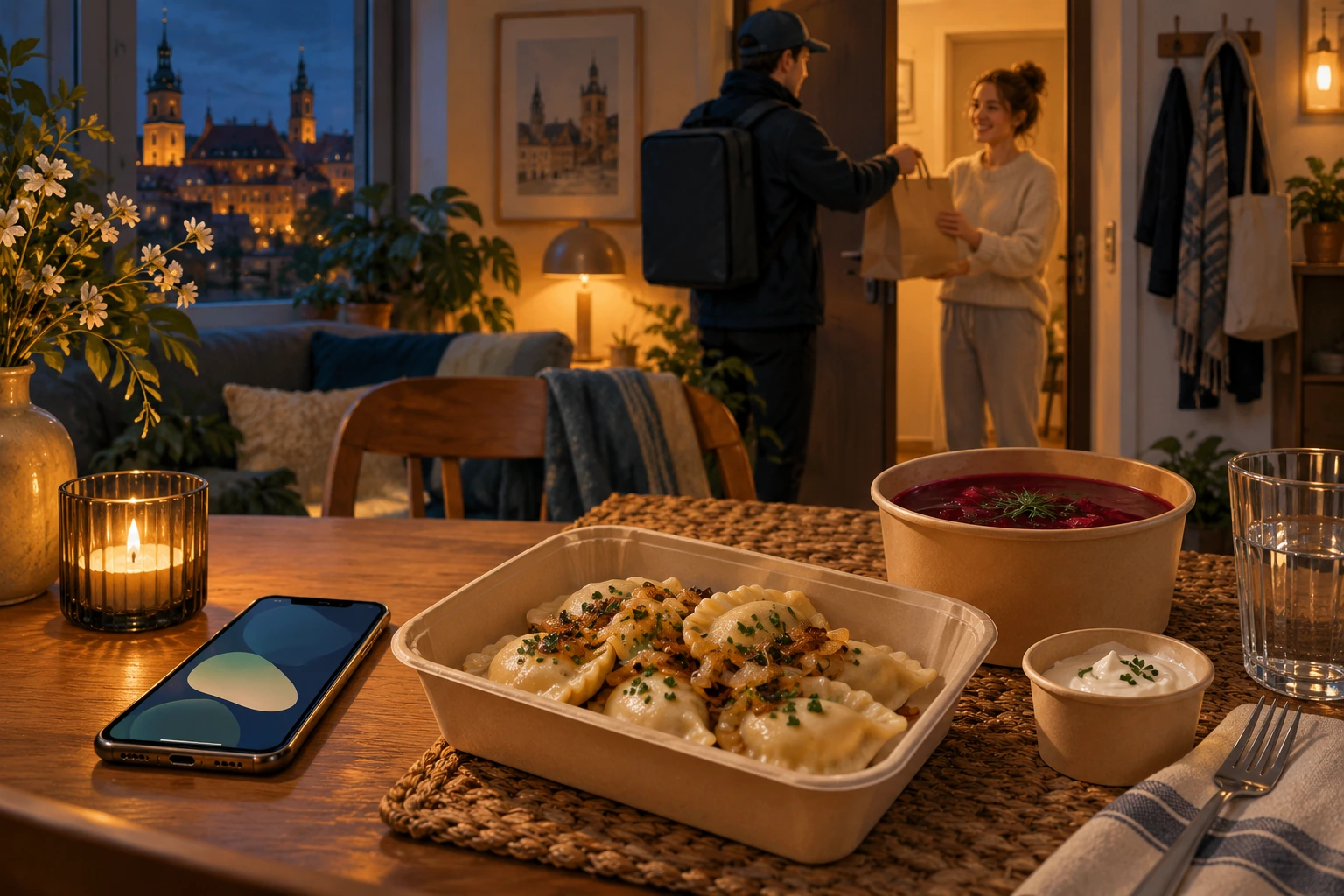
Pyszne.pl shows restaurants available at an address and lets you order a meal for delivery or collection where that option is offered. It is useful after a late arrival or a day of sightseeing, but coverage and opening times depend on the neighbourhood. Provide the details needed for handover, then review the basket and fees. Displayed times remain estimates. At a hotel, ask where the order should be handed over and keep your phone reachable for the courier.
- Languages
- French, English and Polish appear in the iPhone listing; restaurant menus may remain in Polish.
- Cost
- Paid orders; check fees and any minimum before confirming.
- Check before use
- Enter the complete address, compare estimated times and check your accommodation accepts deliveries.
13. Too Good To Go: collect a surplus-food bag
If your plans allow some flexibility, Too Good To Go helps locate surplus food offered by partner businesses. Its usefulness mainly depends on nearby offers and your ability to reach the pickup point on time. Before booking, check the bag category, price and actual distance from your accommodation. This is not a restaurant menu where you choose every item: contents depend on surplus stock. For allergies or strict diets, check the information and ask the business for necessary clarification. Bags are not guaranteed in every neighbourhood.
- Languages
- French and Polish listed for iPhone.
- Cost
- Free download; bags are paid, subject to available offers.
- Check before use
- Reserve a bag you can collect and respect its pickup slot. Contents vary; dietary requirements need particular attention.
14. Allegro: shop and compare local offers
For equipping a home after moving, Allegro lets you search many products and compare sellers. Look at the final price including delivery, seller identity and return conditions rather than just the price in search results. Choose delivery compatible with your presence and, if needed, your preferred collection point. Short stays require caution over delivery times. Smart! has its own conditions: do not assume every order has free delivery.
- Languages
- For Allegro.pl, official help lists Polish, English and Ukrainian.
- Cost
- Purchases and delivery are paid; Smart! is optional under its own conditions.
- Check before use
- Compare the seller, total price, delivery times and returns; arrange receipt before departure.
15. Amazon.pl: select the Polish marketplace in Amazon Shopping
To order on Amazon.pl from a phone, use Amazon Shopping and select the Polish marketplace in its settings. There is no need to look for a separate app called Amazon.pl. The catalogue, delivery and benefits depend on the chosen marketplace and address. Before ordering, check the seller, arrival date and return costs. An interface in your language does not guarantee that all descriptions and communications with sellers will be translated.
- Languages
- Check the languages offered on your device; do not assume local content is translated into French.
- Cost
- Purchases and delivery are paid; Prime is optional and subject to marketplace conditions.
- Check before use
- Select Poland and check the seller, delivery and returns; do not assume benefits from a French subscription apply.
16. InPost Mobile: track and collect parcels
Paczkomat lockers are part of everyday Polish life. If receiving purchases during your stay, InPost Mobile tracks shipments and facilitates receipt, sending or returns depending on the selected service. Check the exact destination locker and collection deadline: an order delivered too far from your accommodation or after departure soon loses its usefulness. Remote opening and other features depend on the device, permissions and service conditions. For difficulties, InPost also describes code or QR-code options: consult the information for your own delivery.
- Languages
- English and Polish, among others, listed for iPhone.
- Cost
- Free app; sending parcels and other services may cost extra.
- Check before use
- Ensure access to the number and contact details associated with the parcel; respect its collection deadline.
17. mojeIKP: access your Polish healthcare documents
For people using Polish healthcare services, mojeIKP notably retrieves electronic prescriptions and medical referrals linked to their patient account. It is not a priority download for a simple weekend if you lack the corresponding access. The public portal explains first login and accepted identification methods; after activation a personal code or biometrics can be used depending on the device. Downloading alone does not replace insurance affiliation or documents needed for coverage. This guide presents a practical administrative function, not a diagnostic or emergency service.
- Languages
- Polish, English and Ukrainian listed for iPhone.
- Cost
- Free app; installation does not create health insurance entitlement.
- Check before use
- Personal features require initial authentication using an accepted Internetowe Konto Pacjenta method, such as a trusted profile or compatible bank.
A little preparation to avoid surprises
- Save your accommodation and download useful maps and languages before travelling.
- Check the app and publisher before installing, then fees before paying or subscribing.
- Try essential services before reaching a counter, boarding a vehicle or standing at a parking meter.
- Keep sufficient battery and a backup for tickets and reservations.